
Business Phone Systems
On-Premises Phone System
An Avaya IP Office system that lives in your building and belongs to you. We install it, program it and support it.
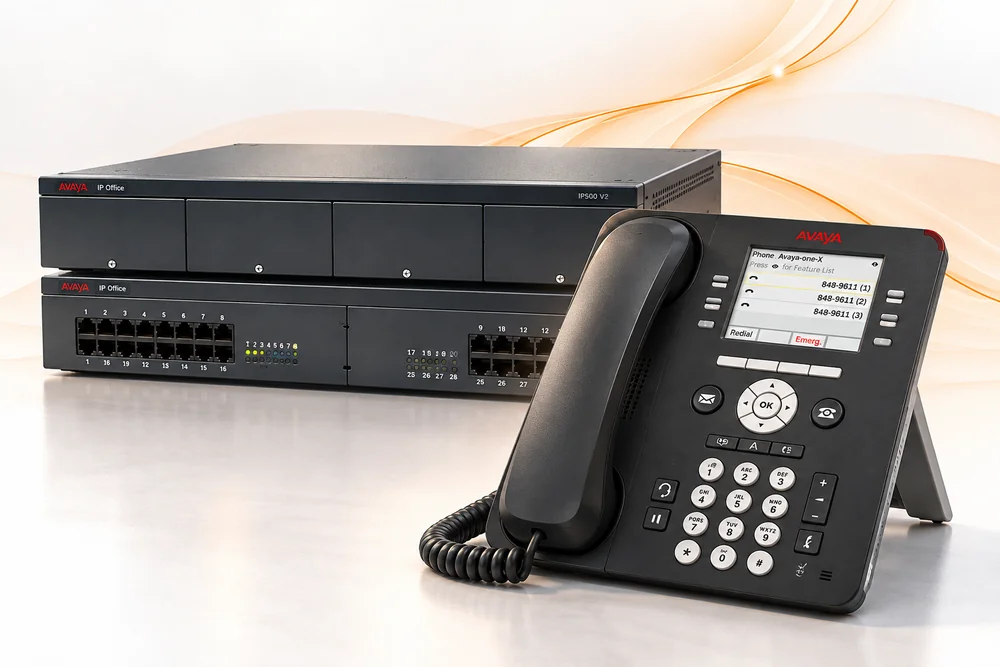
Avaya IP Office
IP Office is the on-site phone system we install. You buy it once and own it, with no per-user monthly fee for the system itself. Analog, digital and IP phones can all run on the same system, along with SIP phones from other manufacturers.
That makes it a practical upgrade from an older system. Depending on what you have now, you may be able to keep some of your existing phones and wiring and move to IP phones at your own pace. It also scales to multiple locations as you grow.
Already have one? User guides are in our Avaya manuals library.
What IP Office Does for Your Business
- Calls answered without an operatorThe auto attendant greets callers and routes them to the right person or department.
- Conferencing built inTwo 64-party conference bridges come with the system, so you don’t need an outside conferencing service.
- Your extension on your cellA mobile extension and smartphone app let you take office calls anywhere. Home-office and remote users are supported too.
- Call center featuresAutomatic call distribution spreads incoming calls across your team, and call recording is available.
- Works with OutlookDesktop integration lets your staff dial straight from Outlook and other applications.
- Keeps working through an outageIf one site loses power, its IP phones can fail over to another location. E911 is supported.
Voicemail, music on hold, and video conferencing (license required) are also available.
Is On-Site Right for You?
On-site is usually a good fit if
- you’d rather own your system than pay monthly per user
- you have phones or wiring you want to keep using
- most of your people work at one location
- a site has unreliable internet service
Hosted may make more sense if
- you’d rather not buy equipment up front
- your staff is spread across many small sites or works remotely
- you don’t want to maintain phone equipment
We install and support both, so we don’t have a reason to push you one way. See Hosted VoIP Phone Systems for the cloud option.
Already Have an Avaya System?
Programming changes
Adding a user, changing call routing or updating your auto attendant can usually be done remotely, without a service call. See Remote Programming.
Repairs and additions
We support existing IP Office systems: adding phones and licenses, replacing failed hardware, and connecting new locations.
Manuals
User guides for Avaya phones and systems are in our manuals library, free to download.
On-Premises Phone System Questions
Can we keep the phones we have now?
Often, yes. IP Office supports analog, digital and IP phones, but whether yours will work depends on the make and model. We’ll check before you buy anything.
What happens in a power outage?
If you have more than one location, IP phones can fail over to another site automatically. We’ll also talk about backup power for your equipment when we plan the install.
Can we mix on-site and hosted systems?
Yes. Some locations can run IP Office while others use hosted service, and they can still share one directory and dial each other by extension.
Not sure which system fits?
Tell us what you have now and how your business uses the phone. We’ll tell you whether on-site, hosted or keeping what you’ve got makes the most sense.